
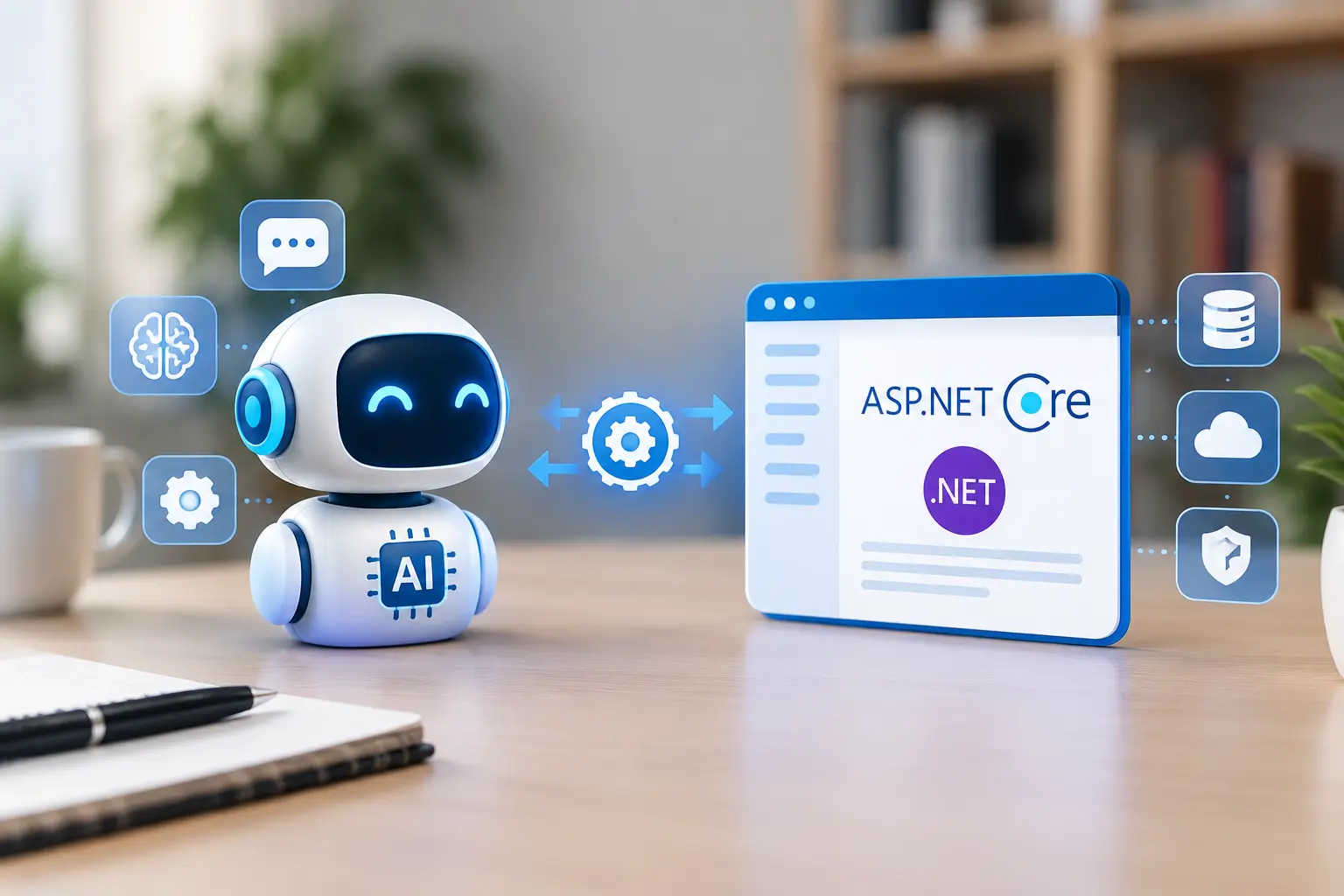
How to Integrate an AI Agent Into an ASP.NET Core Application?
Summarize and save time
Key Takeaways:
- Building an AI agent is different from building a basic chatbot, as it must perform multi-step tasks to connect to databases, APIs, enterprise systems, and business services.
- Build and implement AI agents to convert your ASP.NET Core applications from a system that responds to requests into one that interprets goals, helps with data retrieval, and completes the approved workflows.
- Ensure the integration of security into your AI agent from the outset, which includes role-based access, identity verification, data controls, tool access permissions, logging, and human approval.
- A well-integrated AI agent is one that uses the same business rules, permissions, and services as the remaining ASP.NET Core application, making integration seamless.
- With AI agent development services, start with one focused workflow, test it against the real-world scenarios, and then scale it if accuracy, performance, scalability, security, and measurable ROI are proven.
Why Do AI Agents Belong in ASP.NET Core Applications?
First things first, if we are exploring this topic today, it’s important to understand how AI agents fit in the ASP. NET Core applications.
There are several enterprise applications that handle and automate vital business processes. An ASP.NET Core application is one of them, which helps with account management, orders, invoices, inventory support, customer support tickets, employee records, and internal workflows. Despite the high level of reliability and security of these systems, a lot of the time businesses still find it challenging to look up information manually, complete repetitive tasks, or switch between applications.
That’s where a well-designed and well-defined AI agent helps to change the experience. Users are no longer required to navigate between multiple screens because an AI agent understands the request given in natural language, processes and retrieves the relevant information, and completes the task within the defined boundaries using an approved set of tools.
For example, instead of having users check an order status, they can simply ask the AI agent to pull up the order details by mentioning the order ID and create a support ticket in case the question is unresolved.
An AI agent helps by understanding the context of the request, retrieving specific order details, and returning a clear response. It will also raise a ticket if human escalation is required for the situation. This is why an increasing number of enterprises are considering building AI agent capabilities into their existing applications. Make your enterprise data more accessible by automating and accelerating the workflow with reduced manual work and improved user experience.
Demand for Building AI Agents in ASP.NET Core Applications: Statistics and Market Outlook
AI agents are scaling from experimentation to the enterprise application phase with successful integration practices. Tool design, architecture, security, data quality, and governance are all evolving beyond the mere connection of an application to a language model.
These statistics clearly reveal the transforming power and demand for building AI agents:
- A survey from Zapier has indicated that 72% of enterprises are currently using or testing AI agents, while 84% are expecting to increase their AI investment in the coming year.
- The global market for AI agents is projected to witness a CAGR of 3% from USD 7.84 billion in 2025 to USD 52.62 billion by 2030.
- According to reports from a PwC AI Agent Survey, 66% of organizations adopting AI agents report measurable productivity gains, 55% report agile decision-making, and 57% report cost savings.
Ready for AI Agent Integration to Your ASP.NET Core Applications?
Building an AI agent and integrating it into your existing or custom ASP.NET Core applications is not as simple as adding a chat interface. It’s much more, with the need for a clear workflow, secure API access, streamlined data integration, controlled tools, and seamless production monitoring.
At PSSPL, our team of AI engineers helps startups and enterprises assess their ASP.NET Core applications to identify high-value AI use cases. We then design secure, scalable, and production-ready agent integrations using cutting-edge AI technologies. As a reputed AI app development company, Prakash Software Solutions Pvt. Ltd. (PSSPL) takes full ownership of end-to-end AI agent development services.
What is an AI Agent in an ASP.NET Core Application?
An AI agent typically refers to an application component that assists with goal interpretation, deciding the essential steps, using available tools, and building an AI agent that can seamlessly connect with high functionality and measurable value delivery.
Traditional AI systems send a prompt to a large language model and then return a generated response. But AI agents in ASP.NET Core applications can do much more, such as:
- Search data and retrieve documents accordingly.
- Call application APIs.
- Interpret the user’s queries in natural language to execute approved functions.
- Use multiple tools during one task and return results.
- Human escalation of an issue when needed.
For instance, instead of having a customer support executive, a customer support agent can:
- Identify the customer’s ID and retrieve the order details.
- Check the delivery status.
- Search support knowledge.
- Create a support ticket and escalate it to a human agent if needed.
We focus on building and integrating AI agents into your ASP.NET Core applications such that they don’t require expensive investment or full custom development.
At PSSPL, our experts build AI agents that can make the best use of the existing business capabilities through controlled tools and services. Only if the generic solutions don’t suffice to meet your specific business requirements do we recommend a complete custom AI agent development approach.
How does an AI Agent Differ from a Chatbot?
AI agents and basic chatbots are often mistaken for being the same or to be used interchangeably. But that’s not true, as both are 2 distinct aspects of AI development services.
An AI chatbot is mostly used to answer common questions and guide users through menus or pre-defined responses. But an AI agent does much more by fetching order details, raising a support ticket, processing returns and refund requests, automating 24*7 customer support, and so on.
Let’s pen down the differences between the two in a little detail:
| Capabilities | Basic Chatbot | AI Agent |
|---|---|---|
| Understanding user intent | ✘ | ✔ |
| Scripted answers | ✔ | ✘ |
| Performing multi-step tasks | ✘ | ✔ |
| Using business tools | ✘ | ✔ |
| Escalating for human approval | Limited | ✔ |
| Create audit trails | Limited | ✔ |
| Maintain workflow context | Limited | ✔ |
| Support complicated workflows | ✘ | ✔ |
| Example | Regarding the shipment of an order, a basic chatbot might respond with the orders page link for you to check your order status manually. | An AI agent on the other hand would respond with the reason for the delay and also raise a customer support ticket if needed. |
Prerequisites to Integrate an AI Agent into an ASP.NET Core Application
Before building AI agents, it’s extremely important for you to assess the readiness of your organization and application. As competent AI developers with experience, the PSSPL team of experts follows these prerequisite checks before integration:
Identifying a Clear Business Problem
We begin with the identification of a business workflow that is causing delays, operational bottlenecks, increased manual effort, or repeated questions. This can include employee onboarding, customer support, order tracking, validating invoices, knowledge search, sales assistance, and so on.
Evaluating the Data Readiness
The usefulness of an AI agent is determined based on the information it can access. AI agents must be able to evaluate important business information easily and securely, ensuring that the data is accurate, updated, relevant, structured, available through APIs, and free of any unnecessary duplication.
Reviewing the Available APIs
In this prerequisite, our experts make a list of the services that the AI agent will have to use. This can include order APIs, ticketing APIs, inventory APIs, document search APIs, customer APIs, ERP APIs, CRM APIs, etc.
Defining User Roles and Permissions
The user’s access to business-critical information needs to be safeguarded by setting strict information access permissions. This means defining the following specifics:
- Who uses the agent
- Which actions need approval and which are prohibited
- Data accessibility based on each user role
- Methods to handle sensitive business data
Defining Success Metrics
This is where you decide how the success of the AI agent’s performance will be measured. Some examples of tracking this include:
- Fewer support tickets
- Reduced manual data entry
- Faster response time
- Reduced average handling time
- Low operational cost
- Improved customer satisfaction
Microsoft Technologies for AI Agent Integration
When it comes to the integration of AI agents in ASP.NET Core applications, there are several technologies supported in the .NET AI ecosystem. Here are the Microsoft technologies that we use to ensure seamless AI agent integrations in the .NET environment:
Extensions.AI
This technology provides common .NET abstractions like IChatClient and IEmbeddingGenerator<TInput,TEmbedding>. It’s a layer that ensures a consistent way of interacting with distinct AI services when an application needs:
- Embeddings
- Text generation
- Chat and model interaction
- AI middleware
- Provider flexibility
Microsoft Foundry
Microsoft Foundry Agent Service supplements a managed environment for the development, deployment, and scaling of AI agents. It provides support for prompt agents, tools, hosted agents, identity, versioning, observability, and enterprise capabilities.
Microsoft Agent Framework
Microsoft Agent Framework provides support for goal-oriented and multi-step behavior of the applications. It provides tools, sessions, agent abstractions, workflows, and hosting capabilities. This Microsoft technology is well-suited when the application requires more than one prompt-and-response interaction.
Step-by-Step Guide to Integrate AI Agent into ASP.NET Core Development Services
From defining the right business case to selecting appropriate architecture and connecting AI models and tools, at PSSPL we follow a structured development process. Our end-to-end development covers authentication, testing, conversation, monitoring, and security controls that are essential for building a production-ready AI agent.
(1) Defining the Agent Role
An AI agent must not be built just because it’s possible. Build it with a purpose, which is why you must begin by defining a clear business problem. Some of the most common use cases of AI agents include:
- Clear and established goals
- Defined users
- Access to useful tools
- Measurable outcome and a defined escalation path
(2) Choosing the Agent Architecture
There are multiple ways that Microsoft supports for hosting agents. Some of the popular ways include:
Self-Hosted Agent
The self-hosted model proves to be useful when the AI agent needs to integrate closely with the existing infrastructure. The ASP.NET Core applications in this model control:
- Routing
- Identity and authorization
- Storage and deployment
- Scaling
Managed Agent Runtime
Microsoft Agent Foundry Service helps manage the agent runtime, tools, conversations, identity, and scalability. This is a suitable model when there is a need for a managed platform for AI agents.
(3) Connecting the AI Model
This is the stage of connecting the AI agent to an AI model provider, and the Microsoft ASP.NET Core ecosystem supports the following providers:
- Azure OpenAI
- Microsoft Foundry
- OpenAI
- Google Gemini
- Amazon Bedrock
- Ollama
(4) Giving the Agent Instructions and Tools
Instructions are used for defining the agent’s goals, boundaries, role, and expected behavior. Therefore, in the instruction layer, we ensure that we set clear boundaries regarding what the AI agent can and can’t do. Clear instructions help reduce the chances of ambiguity and foster reliability. Examples of agent instructions include:
- Do not approve refunds.
- Do not access irrelevant customer records.
- Use only approved knowledge sources.
- Ask for missing information before confirming any action.
Tools assist the AI agent to interact with the application, and the Microsoft Foundry Agent Services supports built-in tools, custom tools, and MCP servers.
(5) Connecting Enterprise Data
An AI agent must work alongside the enterprise data to prove its usability and value addition to your enterprise. When it comes to knowledge-heavy use cases, retrieval-augmented generation offers relevant information before generating a response. On the other hand, for action-oriented use cases, tools and APIs facilitate the AI agent to seamlessly interact with the business systems.
(6) Adding Authentication and Authorization
In the ASP.NET Core ecosystem, there are already authentication and authorization protocols that are used around application endpoints and services. For smooth agent integration, it’s important to limit access based on roles, user identity, data access, tool permissions, and business policies.
(7) Exposing the Agent Through ASP.NET Core
There are hosting libraries available in the Microsoft Agent Framework for ASP.NET Core. This hosting layer oversees registration and configuration of agents and workflows via the dependency-injection infrastructure of the application.
(8) Test Before Deploying
Based on the prompt, model, tools, retrieved data, and user inputs, an AI agent can produce distinct results. To ensure an API returns a successful response, it must evaluate:
- Tool selection and parameters
- Answer quality
- Unauthorized access and response latency
- Cost
- Security
- Regression across model changes
(9) Monitoring the Agent in Production
Production monitoring helps your team to understand various details like:
- What the users asked for
- Which model was used
- Which tools the agent called and what errors occurred
- The cost of the request
Build a Secure AI Agent for Your ASP.NET Core Application with PSSPL
A production-ready AI agent needs more than a model connection. It requires secure API integration, controlled tool access, authentication, and governance. At PSSPL, we assist enterprises in designing and implementing AI agents that seamlessly integrate with existing ASP.NET Core applications.
Common Challenges and How to Resolve Them
There are several challenges that enterprises face when integrating AI agents into ASP.NET Core development services. We keep these challenges in mind and design our AI agents in a way that they offer secure, reliable, and scalable implementation.
Let’s look at some of the most common challenges and ways to overcome them:
(1) Data Quality Issues
Poor data quality can result in inaccurate responses and unreliable decision-making. This is why we focus on building secure and structured data pipelines, validation layers, and governance frameworks.
(2) Accuracy and Guesswork
AI agents, because they are automated, might produce inconsistent, incorrect, or unsupported information. We utilize RAG, human-in-the-loop validation, guardrails, and constant monitoring to overcome this challenge.
(3) Complexity of Integration
Connecting AI agents with your existing business systems, internal tools, external systems, and data infrastructure can be complex. The PSSPL team of experts utilizes middleware, API-first architecture, and phased integration to ensure seamless integration.
(4) Scalability and Performance
AI agents must be able to handle the growing business volume without any performance degradation. To ensure this, we utilize a cloud-native and modular architecture with auto-scaling and load balancing functionality.
(5) Governance and Compliance
AI agents need to abide by the security, ethical, and compliance requirements in the digital environment that is prone to cyberattacks. We build secure AI agents by implementing strict access controls, audit trails, encryption, and real-time monitoring.
Why Partner with PSSPL for AI Agent Integration?
Prakash Software Solutions Pvt. Ltd. (PSSPL) is a renowned AI app development company with 26+ years of software and engineering excellence. We have experience designing secure, reliable, and customized AI solutions for 500+ global clients across 40+ countries. With our team of 250+ AI experts and data engineers, ISO 9001:2015 & ISO 27001:2022 certifications, and partnerships with OpenAI, Anthropic Claude, and Microsoft Solutions, we aim to deliver enterprise-grade AI systems and solutions.
At PSSPL, we assist enterprises in building AI agents that can seamlessly integrate with ASP.NET Core applications by offering end-to-end services that include:
- AI agent architecture and design
- Custom AI agent development
- AI strategy and readiness assessment
- Multi-agent system development
- CRM, ERP, and legacy system migration
- RAG and enterprise knowledge retrieval
- MLOps and LLMOps
- Cloud and on-premises deployment
- Ongoing support and optimization
Frequently Asked Questions (FAQs)
Yes, we ensure the security of AI agents by designing them with proper authorization, data access controls, tool permissions, audit logging, and human approval. We make sure to keep security a part of the agent architecture from the start of the development process.
A focused AI agent connection with existing APIs can take several weeks. On the other hand, a complex enterprise agent with multiple integrations, security controls, and testing can take several months.
Common Microsoft technologies used for AI agent integration include:
- Microsoft Agent Framework
- Azure
- OpenAI
- Extensions AI
- Microsoft Foundry
- ASP.NET Core hosting libraries
Yes, we assess the existing .NET applications and identify valuable AI use cases before outlining the agent architecture, integration models, and designing secure workflows. This helps us ensure end-to-end deployment and ongoing support.
Yes, but we control the access through APIs, application services, and purpose-built tools that ensure restricted permissions, secure logging, and validated business rules.
Final Thoughts
Therefore, you need not worry about replacing the ASP.NET Core application for integrating an AI agent. The integration is about adding an intelligent layer that facilitates efficient and fast completion of user tasks.
At PSSPL, we build AI agents with a focused workflow, strong security controls, trusted data, and APIs with the required level of human oversight for high-risk actions. With the right architecture, governance practices, Microsoft’s strong .NET AI ecosystem, and the expertise of our AI team, we provide production-ready AI agent development services that support real business outcomes.
I've been involved in the delivery of enterprise software solutions for more than 20 years now, and those which have succeeded were due to the fact that decisions taken during the first week of project development – regarding architecture, scope, and delivery structure – are identified and fixed before becoming costly. Staffing and initiating an engagement are the easy part. Maintaining consistency during delivery scaling, aligning expectations of what a client needs and what a client asked for, and ensuring that investment in AI and cloud technologies actually provides a delivery benefit rather than being just buzzwords, is where most engagements fail. As Head of Delivery & Operations of Prakash Software Solutions (PSSPL), this is what I focus most of my energy on.