SEPA and ISO 20022 XML in Microsoft Dynamics 365 Business Central
Summarize and save time
If you work with Business Central and you have ever struggled with the processing of payments to vendors through European banks, then you surely have come across terms like SEPA and ISO 20022 XML. These are often used quite extensively; however, not all the people working in the finance department understand their meaning and importance. Let’s break it down without the jargon.
Quick Summary
SEPA is the payment scheme that standardizes euro payments across Europe. ISO 20022 is the XML format that carries the payment data. Business Central already has your vendor and invoice data, so it can generate these payment files instead of someone typing everything into a bank portal by hand. Most banks accept the standard export, but some want a custom XML structure that’s where setup or development work comes in. If you’re stuck on either end, that’s what we, at PSSPL can help with.
What is SEPA, really?
SEPA acronym for Single Euro Payments Area is actually a set of regulations that ensure uniformity of euro payments within SEPA-compliant European countries. SCT, meaning SEPA Credit Transfer, will be your most likely encounter as it involves everyday euro payments via an electronic transfer system.
What does this mean?
Rather than having a person from your finance department sign in to the bank’s website and enter payment details one at a time, the same data can be consolidated in Business Central and exported into the required format by the bank.
What about ISO 20022 XML then?
This is the message standard that is used behind much of this. It establishes how the information about a debt, a creditor, the amount to be paid, the currency, account numbers, payment reference everything is formatted in XML.
Quick recap: SEPA is the schema, ISO 20022 XML is the format of the data.
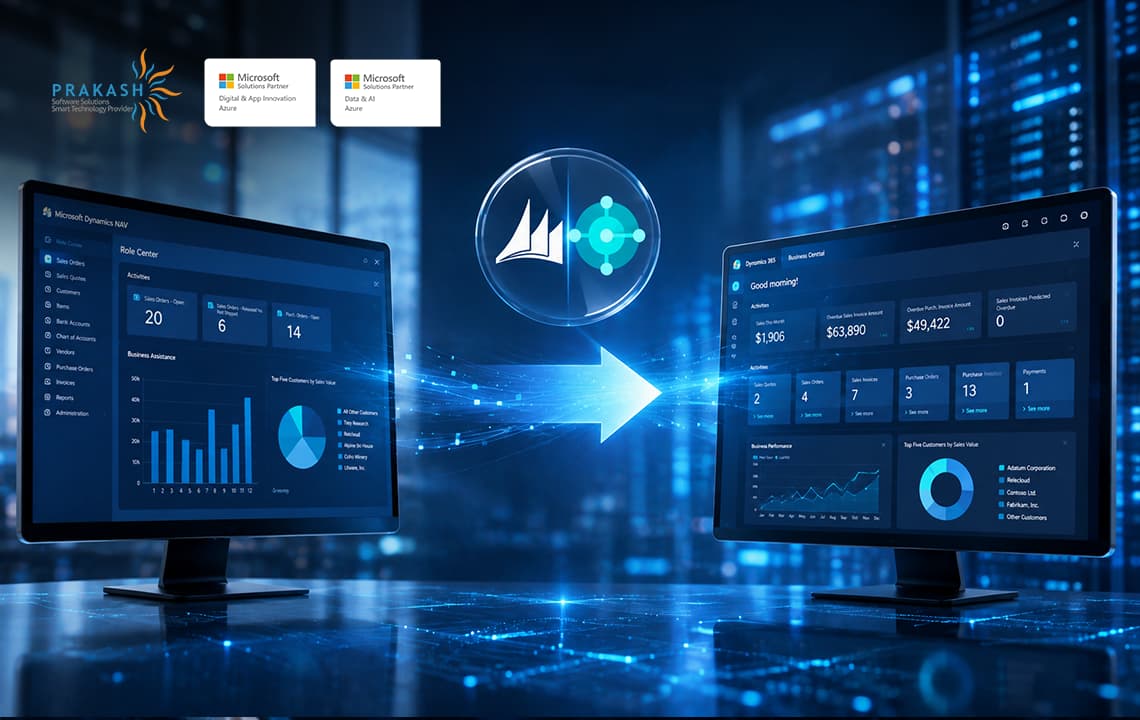
Also Read: Moving from Dynamics NAV to D365 Business Central: What to Know
Where Business Central fits in
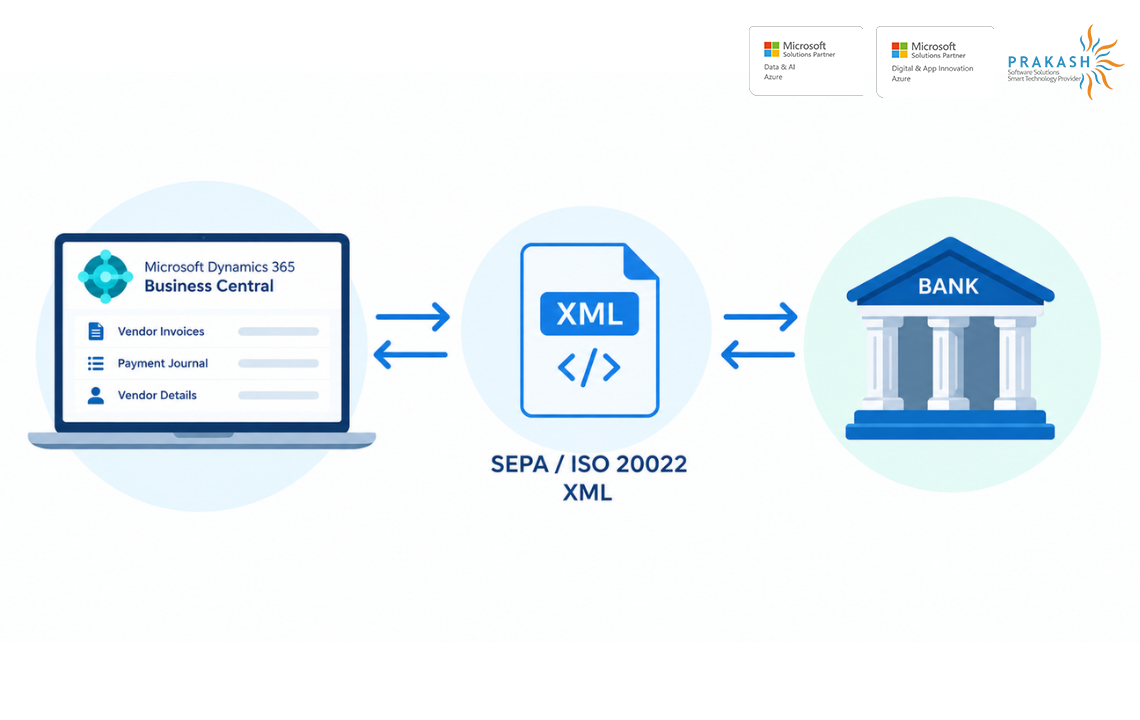
What this means is that all the information needed to effect payments is already in Business Central. The electronic payment procedure merely takes this data and converts it into an electronic document the bank understands, rather than having the data re-typed.
It roughly plays out like this:
Vendor Invoices → Payment Journal → Payment File → Bank
Finance reviews everything inside Business Central, hits export, and sends the file off. That’s really it.
Why bother with electronic payment files at all?
In reality, since manual input is slow, and this is precisely where errors are likely to happen. In case your organization handles tens or hundreds of payments for suppliers on a monthly basis, entering that data manually into the bank portal is not only inconvenient, but quite risky. It takes only one small mistake in an account number or an amount, and you’ll have a wrong payment made or a problem on your hands.
Fetching the information from the current database lowers the chances of error to a great extent.
Different banks have different requirements
The problem is that Business Central has its standard payment export tool out of the box, but banks have another view on the standard. For some banks, the standard payment export format is enough, but for others, they require some other payment export format, like specific XML file with additional fields.
That’s usually the point where a bit of customization or development work becomes necessary.
What we help with:
Our SEPA and ISO 20022 XML Services
At PSSPL, we deal with those businesses that have an implementation of SEPA or ISO 20022 in Dynamics Business Central that needs to meet the specific requests from the bank.
Usually, it includes the following:
- SEPA payment implementation: configuration of the payment functionality depending on the company’s needs
- ISO 20022 XML customization: modification of the export according to the structure required by the bank
- Bank specific requirements review: checking out the special requirements of the certain bank and implementing them in Business Central
- XML mapping and development: developing the custom XML mappings or extending the standard functionality
- Payment file testing: testing the payment file based on real requirements and sample scenarios
Why keep this inside Business Central?
Simple answer: the data’s already present. Vendor invoices, banking account for vendors, journals, amounts, everything is connected together, and therefore, your payments will always be related to your finance process and not become an extra manual job.
That being said, however, how you configure everything depends on a number of factors the version of Business Central you use, localization of your country, your bank, and format needed by your bank.
Bottom line
SEPA and ISO 20022 go beyond being mere buzzwords but are in fact tangible components involved in transferring payments from your ERP to your bank. If you’re working with Business Central and require assistance with implementing SEPA payments, customizing ISO 20022 XML file or adapting to your bank’s specifications, we can guide you through your implementation process.
With 7+ years of experience in Microsoft Dynamics 365 Business Central, working across development, technical architecture, and client support has provided hands-on experience with real-world business and technical challenges. A strong interest in technology drives a continuous focus on understanding how things work and finding practical solutions.
Working closely with Business Central projects and client requirements has also helped build a strong understanding of the platform and its capabilities. Informative content focuses on sharing practical knowledge, simplifying technical concepts, and making Business Central topics easier to understand and apply.